
PHP security problems keep coming. This might be the final straw.
Magento (now Adobe Commerce) runs on PHP. So every serious PHP or Magento security fix is a job for you or your developer: patch, test checkout, hope extensions still work. For a small business, that's a lot to keep up with.
If your site is really a business site with a few products, move your site over before it becomes a problem.
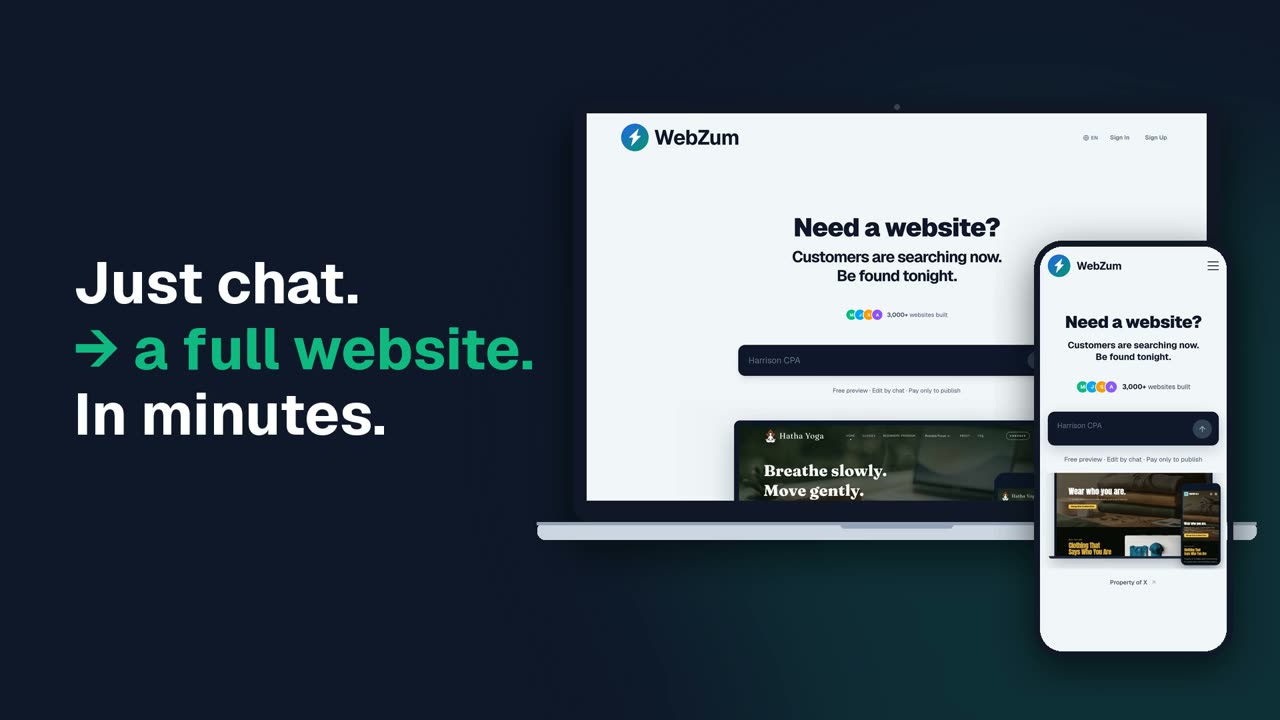
WebZum sites are static pages served from AWS. No PHP, no WordPress. You never install plugins or run updates.
Free to see, pay to publish. Sign up and WebZum builds your new site in minutes. Look at it free for 30 days. Publishing costs $19/mo, with a 30-day money-back guarantee.
Move my site over before it becomes a problemSignup required. 30-day money-back guarantee. No contract.
Honest fit check: is WebZum a Magento alternative for you?
WebZum is a website builder for small businesses. It is not a full ecommerce platform.
- Good fit: you sell a handful of things, or mostly sell in person or by phone, and want a site that shows products, prices, hours and contact info. You can list product items and add an outside payment or booking widget, which runs on that company's own servers.
- Not a fit: you need a real online store, with a cart, checkout, inventory, shipping rules and many products. Most people leaving Magento for that move to a dedicated ecommerce platform such as Shopify. That's probably the right call for you.
Why Magento means PHP
Adobe's system requirements list PHP for every Adobe Commerce and Magento Open Source release. For example, 2.4.8 supports PHP 8.4 and 8.3, and 2.4.6 supports PHP 8.2 and 8.1 (Adobe Commerce system requirements). Each PHP version gets security fixes only for a set time (PHP supported versions). PHP 8.1, for example, no longer gets fixes from the PHP project.
Store platforms have had serious holes too. In 2022, CVE-2022-24086, an input validation flaw in Adobe Commerce's checkout process, was rated 9.8 Critical by NVD (NVD).
The latest example (Oct 2026)
On Oct 21, 2026, the PHP team released PHP 8.5.12, 8.4.27, 8.3.36 and 8.2.35 to fix two critical flaws, CVE-2026-109618 and CVE-2026-109619 (php.net advisory). CISA, the federal cybersecurity agency, calls them "php2shell."
What it is, in plain English: in the worst case, someone on the internet could send your server a request and run their own code on it, without logging in. That's what "unauthenticated remote code execution" means. The bug is in PHP itself, not in any one CMS, so it matters for any site running PHP to serve web pages. The PHP team says the risk is highest on Apache with mod_php.
The proof:
- PHP team: "All PHP users are strongly encouraged to update immediately." Only an update is a complete fix (php.net).
- CISA (Oct 21, 2026): "CISA strongly urges organizations to immediately patch" both flaws and update to the fixed versions (CISA alert).
- NVD: both rated 9.8 Critical (CVE-2026-109618, CVE-2026-109619).
- NSA Cybersecurity posted on X the same morning advising organizations that use PHP to be ready for an update fixing two critical vulnerabilities (NSA post).
Staying on Magento? Do this
- Ask your host or developer which PHP and Magento/Adobe Commerce versions you run, and whether both still get security fixes.
- Update PHP to a version that is both supported by PHP and listed for your Magento release.
- Apply Adobe's security patches and update extensions. Test checkout afterward.
- Back up your store and database somewhere off your server, before and after.
- Watch for warning signs like admin users you don't know or unexpected changes to checkout pages. Call your host first.
How moving to WebZum works
Paste your current website and get a fresh new one in minutes, built from your info and photos. WebZum reads up to 5 pages, uses them for your business details, reuses up to 12 of your photos, and writes all-new pages. Your product catalog, customers and orders don't come over. It doesn't carry over your logo, your old wording, your blog posts, your page addresses or redirects, or your search rankings. Your old store stays up until you point your domain to the new site.