

WebZum for Insurance Agencies
An insurance agency website, written for you.
Tell WebZum which lines you write and where you're licensed, and it builds a multi-page site in about 5 minutes: a page for each line of coverage, your team, your licenses and a clear way to ask for a quote.
No setup fee.
Preview it free for 30 days after you sign up.
Basic is $19/mo, Professional is $34/mo.
Signup required. 30-day money-back guarantee on every plan. See how it works
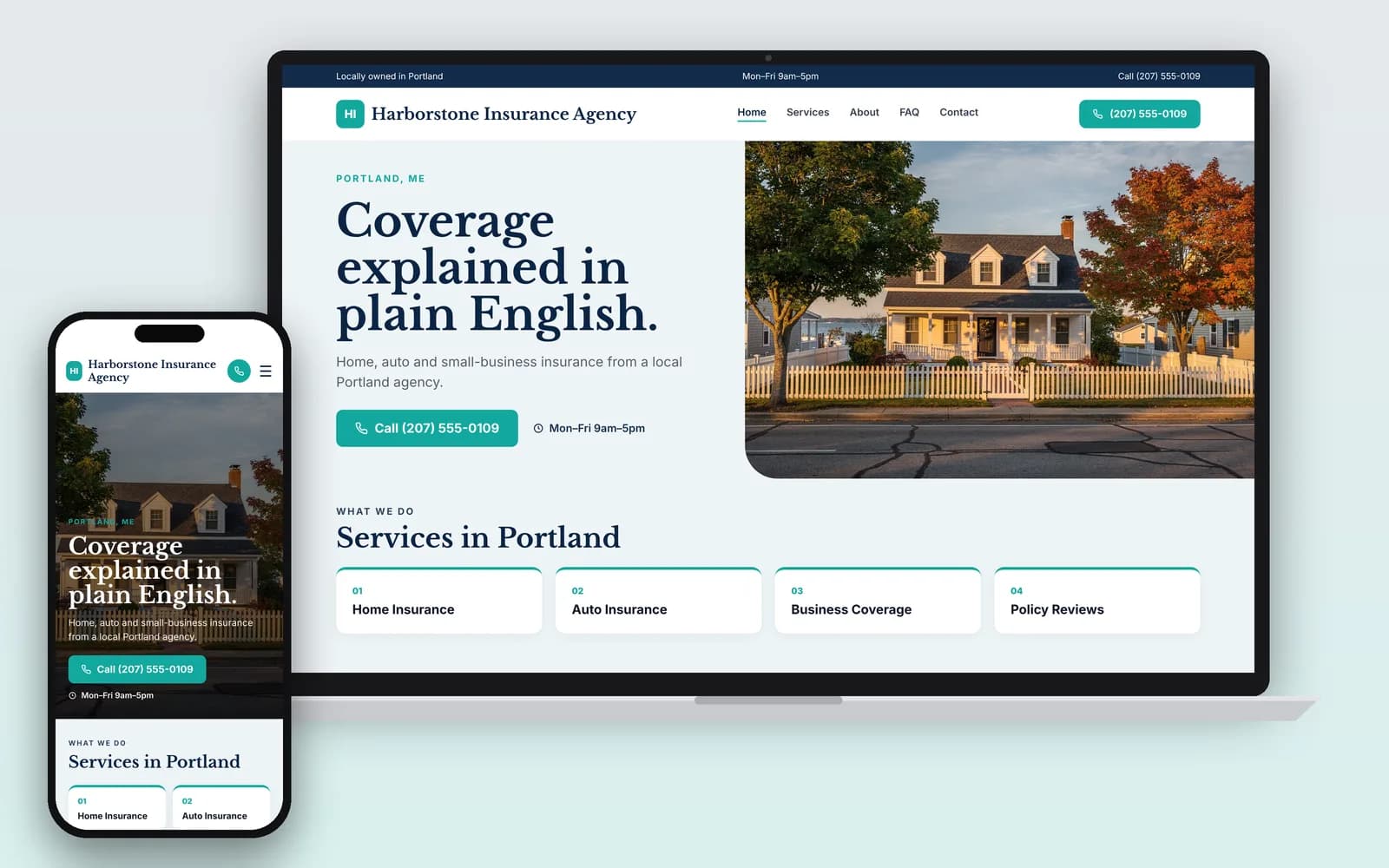
Why does an insurance agent need a website?
Because shoppers do their homework first. The BLS notes that "many clients do their own research and purchase insurance online," and that agents are still needed to help people understand their options and choose a policy (BLS). Your website is where that research can reach you instead of a comparison site.
The BLS counts 572,600 insurance sales agent jobs in 2025, with about 43,100 openings a year projected through 2035, and expects growth to be "strongest for self-employed sales agents" (BLS). Shoppers are also asking AI: in BrightLocal's 2026 survey, 45% of US adults had used an AI tool for local business recommendations (BrightLocal, Mar 2026). A site that says which lines you write and in which states gives those tools something to cite.
What should an insurance agency website include?
The lines you write, where you're licensed, who you represent, and how to reach you. Here's what to put on yours, and why each one matters in this business.
- Each line of coverage on its own page. Auto, home, renters, life, health, Medicare, commercial, workers' comp: only the ones you actually write. People shop for one product at a time.
- Your licenses, by line and by state. Agents "must have a license in the states where they work," and separate licenses are required for life and health and for property and casualty (BLS). List your states and lines so an out-of-state visitor knows right away if you can help.
- Captive or independent, said plainly. Captive agents work for one company. Independent agents "may sell the policies of several companies" (BLS). Say which you are. If you're independent, name the kinds of carriers you work with, and get each carrier's approval before you show its logo.
- Securities licenses, only if you hold them. Selling mutual funds or variable annuities also takes FINRA licenses such as the Series 6 or Series 7 (BLS). Follow your broker-dealer's review rules for any page that mentions them.
- A quote request and a phone number on every page. Ask only for a name, phone, email and the coverage they want. Collect policy details later, through a secure channel.
- A "Need to file a claim?" page. List each carrier's claims phone number, so a client with a loss can act fast, even after hours.
Sell Medicare plans? Your website needs the TPMO disclaimer
Most insurance website builders skip this. If you sell Medicare Advantage plans for more than one MA organization, or Part D plans for more than one Part D sponsor, federal rules require the standardized third-party marketing organization (TPMO) disclaimer, "Prominently displayed on TPMO websites" (42 CFR 422.2267(e)(41); 42 CFR 423.2267(e)(41)). If you don't offer every plan in the area, it begins "We do not offer every plan available in your area," states how many organizations and plans you represent there, and points people to Medicare.gov and 1-800-MEDICARE.
Your FMO and carriers can require more. One FMO's January 2026 policy, for example, adds the local State Health Insurance Program (SHIP) to the disclaimer, asks for a TTY number next to your phone number, bans words like "free" for $0 premiums, requires carrier approval before you show a carrier logo or plan name, and requires carrier and CMS approval before a page with plan-specific marketing goes live (YourFMO website policy).
On WebZum, paste your exact disclaimer into the editor chat and ask for it at the top of your Medicare page and in the footer. AI-written pages can't know your plan counts or your FMO's rules, so you supply the wording, and a person on your team reads every Medicare page before it goes live.
This is general information, not legal advice. Rules change and vary by state; check with your FMO, your carriers or a lawyer.
How do you set up an insurance website with WebZum?
Type what you want in the editor chat and the site changes. These are real WebZum features; the prompts are examples for an insurance agency.
| What you want | What you type | What happens |
|---|---|---|
| Add a line of business | "Add a page for small business insurance: general liability, BOP, commercial auto and workers' comp for contractors and restaurants." | A new page is added to your menu and written for you. |
| Add a licensing note | "In the footer, add: Licensed in Texas, Oklahoma and Louisiana. Property & casualty and life & health." | The footer is updated. |
| Add the Medicare disclaimer | "Put this disclaimer at the top of the Medicare page and in the footer: [your exact text]." | Your text is added where you asked. |
| Serve Spanish-speaking clients | "Add a Spanish version of the site." (how it works) | A language menu is added (30+ languages). Translations don't create separate pages in Google. |
| Link your rater or scheduler | "Add a Get a Quote button that goes to [your rater or scheduler link]." | The editor adds outside widgets and links. |
| Change your mind | "Undo that." | The last change is reverted. |
Then run a local Google ad the same day. From the editor, WebZum drafts a Google search ad from your site, with a call button. You set the area ("within 10 miles of our office"), the keywords ("home insurance agent near me", "commercial insurance [city]") and the hours it runs, so calls come in while someone can answer.
Insurance website design options compared
How we compared: monthly price, setup fee, contract and what's built in. Insurance-provider prices come from insuranceagencytools.com's comparison of 14 providers, prices as of October 2026 (source). Check each vendor's own page before you buy.
| WebZum | Insurance website providers (e.g. Agency Revolution Forge, Advisor Evolved, BrightFire) | General builder with an insurance agency website template | |
|---|---|---|---|
| Monthly price | Basic $19/mo; Professional $34/mo (own domain) | Forge from $140 (Agency Revolution); Advisor Evolved $150; BrightFire $170 | Wix from $17/mo; Squarespace from $16/mo, as listed by Wix (Wix blog) |
| Setup fee | None | Forge $500 to $1,000; Advisor Evolved $1,800 to $5,600; BrightFire $0 | None |
| Contract | None; cancel anytime; 30-day money-back guarantee | Varies by vendor: month to month up to 1-year terms | Varies |
| Who writes the pages | Written for you in about 5 minutes from your answers | Pre-written coverage pages (Forge lists 200+) | You write each page |
| AMS / rater connection | No; link out to your rater | Yes, on several (Forge lists AMS360, Applied, HawkSoft and more) | No |
| Same-day Google ad from your site | Yes | Ask the vendor | No (separate Google Ads setup) |
Choose an insurance website provider instead if you need quote forms wired into your AMS or rater, or a large library of pre-written coverage pages. Choose WebZum if you want a credible agency website this week, without a setup fee or a contract.
Already have an agency website?
Paste its address into the build chat. WebZum reads up to 5 pages of it, keeps your real business facts and up to 12 of your best photos, and writes all-new pages. It doesn't copy your old text word for word or keep your logo, so have your logo file ready to upload. Check that your carrier names and any required disclaimers came through, and add them back by chat if needed. Use a site you own. If your current provider holds your domain, ask them to release it before you switch (custom domains are on Professional).
Rebuild my agency site