
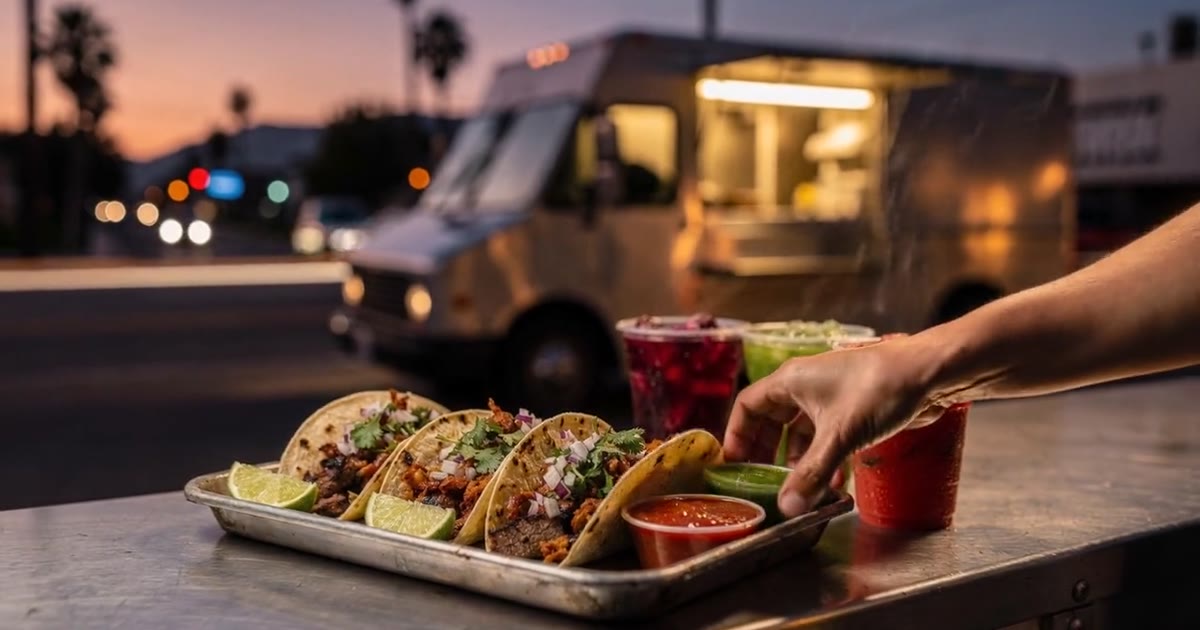
A food truck website needs five things on the first screen: what you serve, when you’re open, where you’re parked, a button that calls you, and clean basics Google can read. That matters because there are now about 88,353 food truck businesses in the US, up 11.3% from 2025 (IBISWorld, 2026). Hungry people pick the truck they can actually find.
Disclosure: WebZum makes one of the builders compared below. Competitor prices come from their own pages, checked October 19, 2026. If you want to see your own truck’s site, WebZum builds one from a short chat, and the preview is free. There’s more on the trade at WebZum for food trucks.
Verified October 19, 2026 against the linked sources.
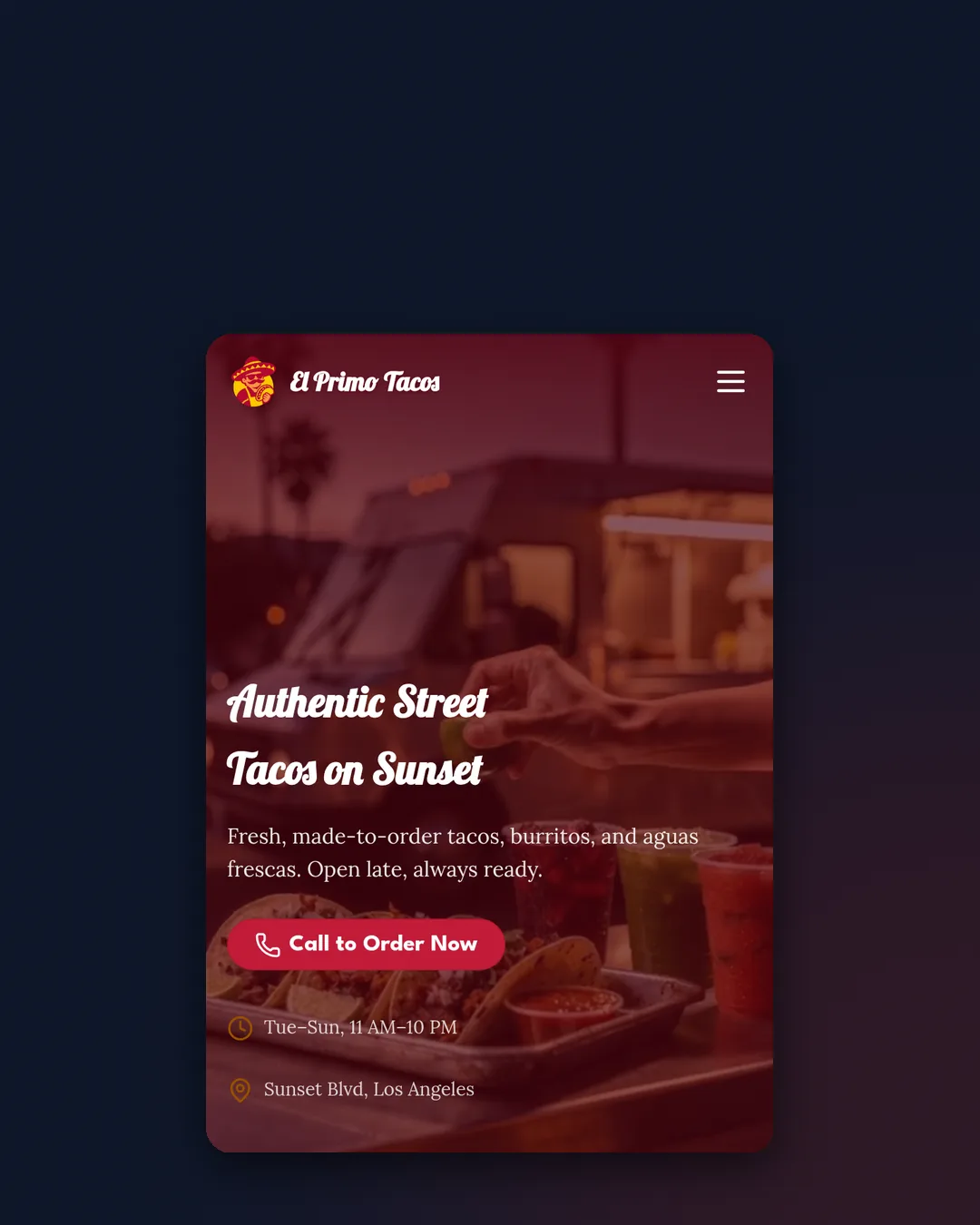
El Primo Tacos, a WebZum-built demo site for a taco truck on Sunset in Los Angeles. It’s not a real customer; we built it to show what the tool makes.
Why does a food truck need a website at all?
Because your customers have to find you before they can find your window, and Instagram doesn’t answer “are they open right now?”
The food truck business is crowded and squeezed. IBISWorld puts the industry at $2.9 billion in 2026 revenue, and expects revenue to slip 1.1% this year as tariffs push vendors to raise prices (IBISWorld). More trucks chasing about the same money means the truck that’s easiest to find and call has an edge.
Reviews and search do most of the deciding. In BrightLocal’s 2026 survey of 1,002 US consumers, 97% read reviews for local businesses, and after reading positive reviews, 54% go on to check the business’s website (BrightLocal LCRS 2026). If that click lands on a dead Linktree, you’ve lost them.
What does a food truck website need?
Five things, in roughly this order. We pulled them from El Primo’s own pages.
| What it needs | Why it matters | How to do it on any builder |
|---|---|---|
| The menu | People decide in seconds what they’re walking to | A short menu section with photos; prices are up to you |
| Hours, kept current | “Open now?” is the first question | Put hours near the top and update them the same day they change |
| Where you’re parked | The question no other restaurant has | A “this week’s spots” section or an embedded schedule |
| Tap-to-call | Orders, catering and “are you still there?” | A call button in the header that dials on phones |
| Clean basics for Google | Name, category, area and hours that match your Google profile | Page titles, a description, and your Google Business Profile linked |
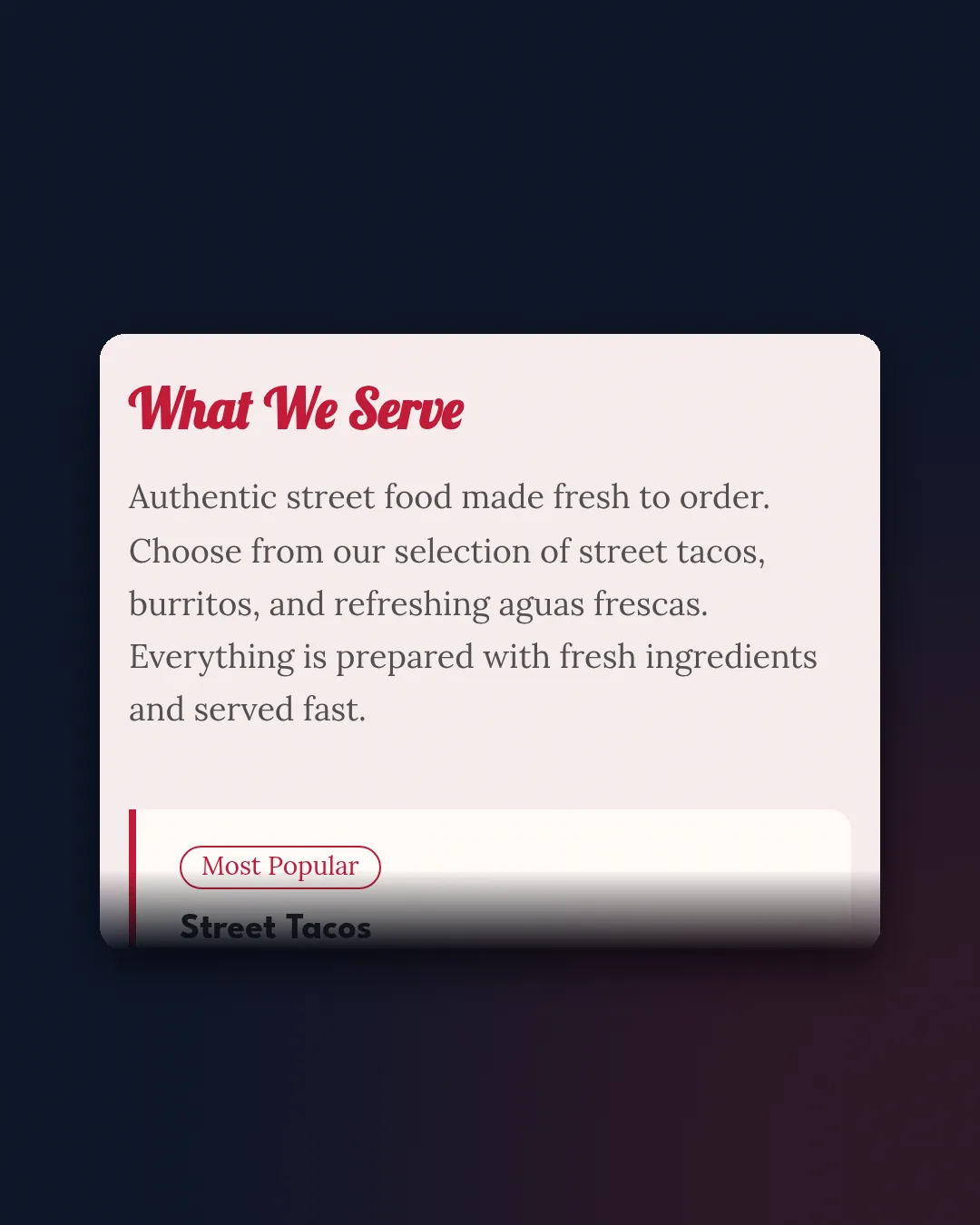
1. The menu
Keep it short and visual. El Primo’s site gives street tacos, burritos and aguas frescas their own space, so a phone user sees what they’re getting without pinching and zooming.
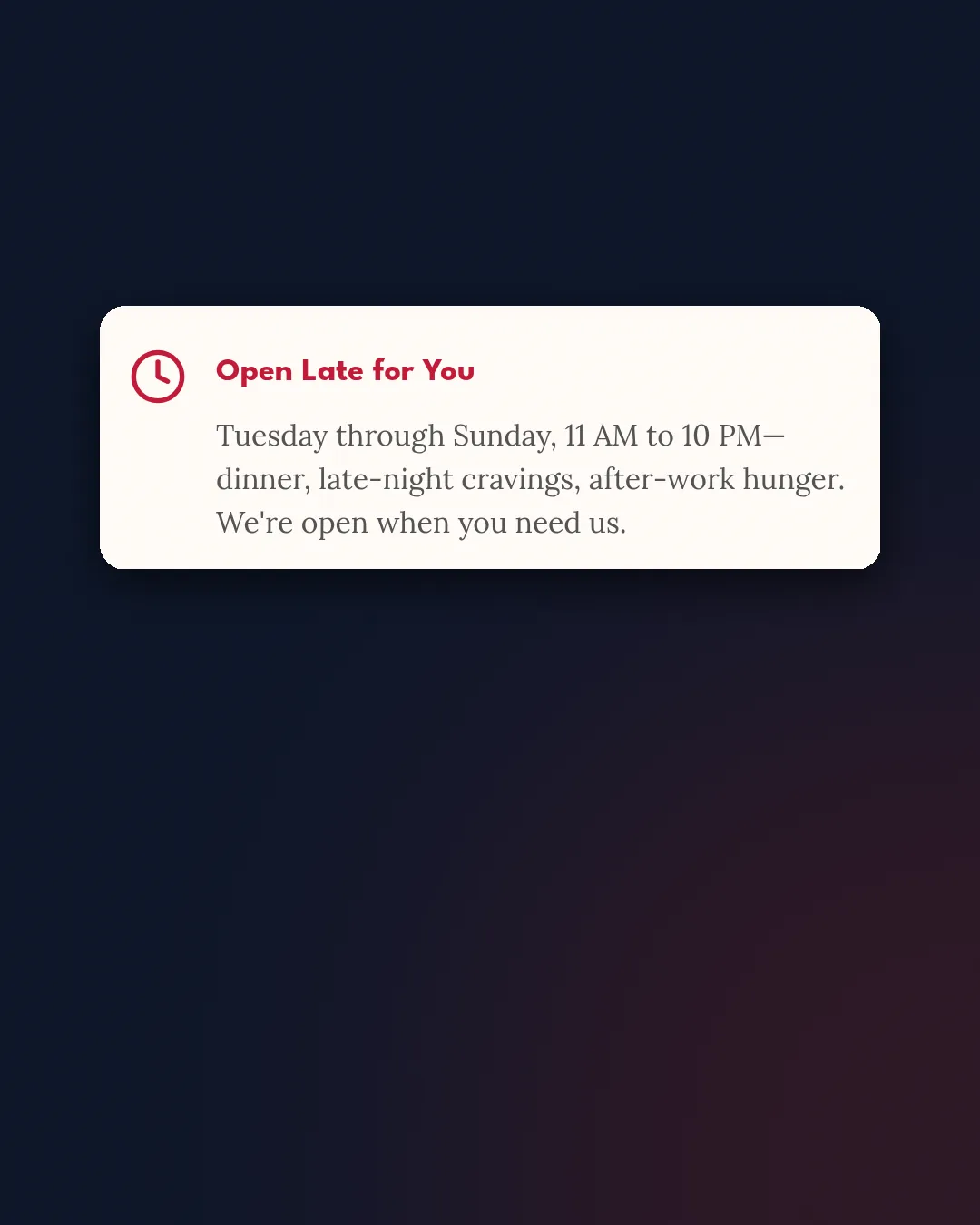
2. Hours you actually keep up to date
Google tells businesses to “provide your regular customer-facing hours,” and to set special hours for holidays or events instead of changing your regular schedule (Google Business Profile guidelines). Do the same on your site. Wrong hours are worse than no hours.
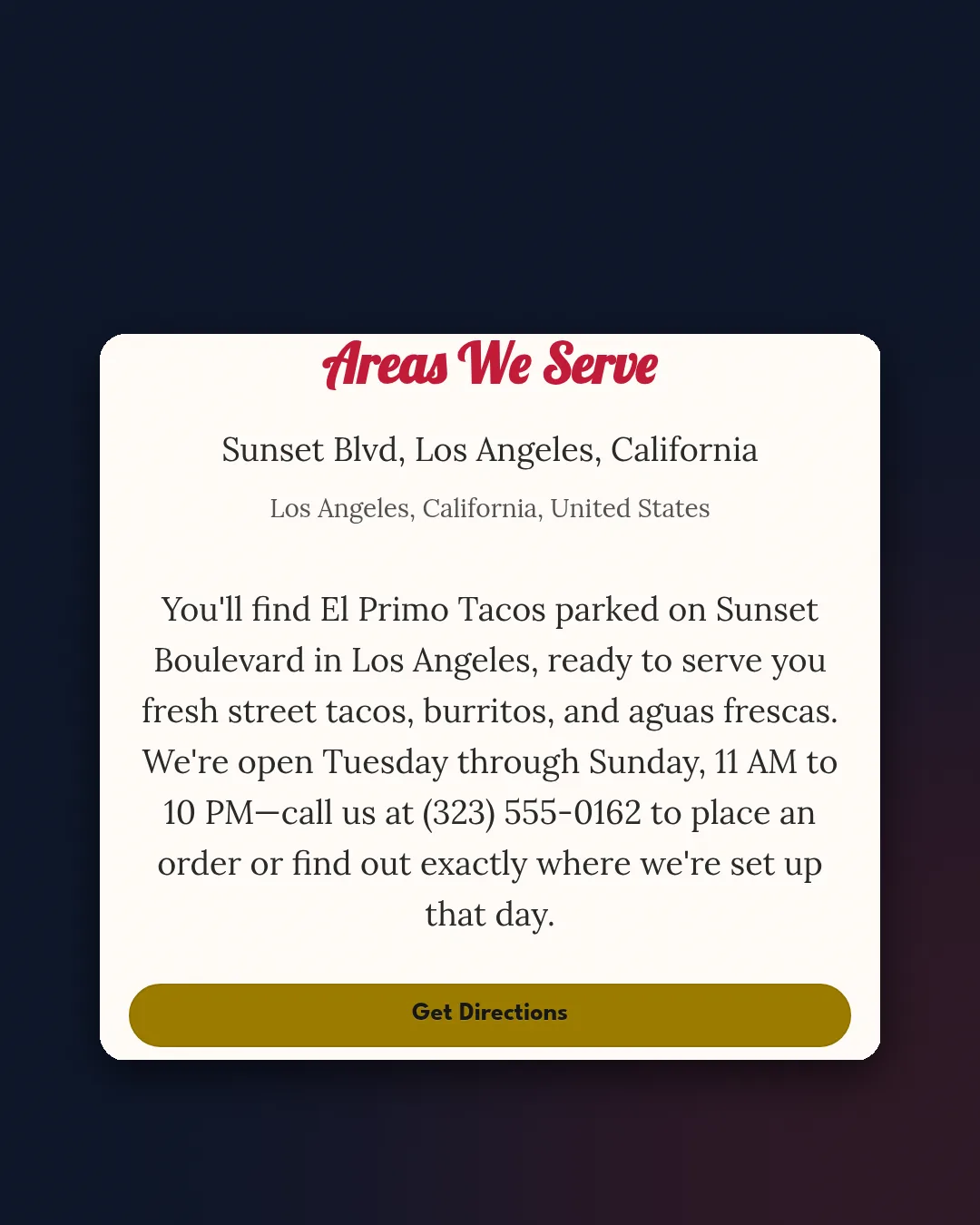
3. Where you’re parked
This is where food trucks differ from every other local business. Google’s guidelines say a business that travels to customers without a storefront gets one service-area profile, and you can list up to 20 service areas by city or postal code (Google Business Profile Help). Google also says service areas can’t be set as a radius around you, and the whole area shouldn’t stretch much past two hours of driving (same page). Your website can be more precise than that: name the corners, breweries and lots where you park, by day.
4. A button that calls you
Catering requests and “are you at the brewery tonight?” calls are worth more than likes. Put the call button at the top. On the El Primo site it says Call to Order, and on a phone it dials straight away.
5. The basics Google reads
A clear page title (“Street Tacos in [Neighborhood] | [Truck Name]”), a description, and the same name, phone and area you use on your Google Business Profile. None of that guarantees a ranking. It just stops you from confusing the search engines about who you are.
What did WebZum build for El Primo, and how do you keep it current?
El Primo Tacos is a WebZum-built demo site: we described a taco truck on Sunset in a short chat and WebZum built the pages, copy, photos and a hero video. The homepage hero reads “Authentic Street Tacos on Sunset” with a Call to Order Now button.
We didn’t record a timed build for this truck, so we won’t quote a build time for it. (Our one measured build, a Columbus bakery, took 4 minutes 5 seconds of real time; see the bakery website post.)
If your truck already lives on Facebook, you can start from there. WebZum can import your Facebook Page’s photos, posts and hours to build the site. It doesn’t bring over your Facebook reviews.
A sped-up illustration of starting from a Facebook Page: El Primo’s Page becomes a website after you tap Continue with Facebook. The on-screen clock is part of the animation, not a measured El Primo build time.
The part that matters for a truck is the weekly upkeep. In the WebZum editor you type what changed:
- New hours: “we’re open till midnight Friday and Saturday.” Hours, phone, email and address go through Update business info, and the site updates in about 30 seconds.
- This week’s spots: ask the editor to add or rewrite a section. It can change text, headlines and layout, and add, remove or reorder pages.
- A seasonal photo: ask it to edit an existing photo or generate a new one. Those images are AI-edited, so label them if you post them elsewhere.
- A mistake: say “undo that.”
Which website builder is best for a food truck?
It depends on whether you need a website or a whole truck operating system. Here’s how the options compare, with prices from each company’s own page.
| Option | What it is | Price (checked Oct 19, 2026) | Choose it if… |
|---|---|---|---|
| TruckPortal | Food-truck software: schedule and live map, online ordering, POS, website builder | $100/month or $1,000/year; orders also carry Stripe fees plus a 1% platform fee (TruckPortal pricing) | You want a live map, online ordering and POS in one login |
| Zarla | AI website builder with bookings, invoices and lead tracking | Premium $29/month month-to-month, or $10.99/month on a 36-month prepay ($395.64 upfront) (Zarla Help) | You’ll prepay for years and want built-in invoicing |
| Squarespace | Design-first builder | Basic from $19/month billed annually ($25 monthly) (Squarespace pricing) | Photos and design control matter most |
| WebZum | AI builder: full site from a chat, edits by chat, optional Google search ad | Basic $19/month, Professional $34/month; preview free | You want a real site this week and update it by typing |
One honest gap: WebZum doesn’t have a live GPS truck map. TruckPortal does. If customers need to see your truck move on a map in real time, that’s a real reason to pick it. If they mainly need your menu, this week’s spots and a phone number, a regular site does that job for less.
How much does a food truck website cost?
Anywhere from free (a social page) to about $100 a month for all-in truck software. On the prices above: TruckPortal is $100/month, Squarespace Basic starts at $19/month on an annual plan, and Zarla runs from $10.99 to $29 a month depending on how long you prepay. WebZum is $19/month on Basic or $34/month on Professional, and you see the whole site before you pay.
Watch per-order fees if you take online orders. TruckPortal’s 1% platform fee sits on top of card processing (TruckPortal).
What else gets a food truck more customers?
The website is one channel. The others:
- Google Business Profile. Set it up as a service-area business, keep hours current, and use special hours for events.
- Reviews. BrightLocal found 31% of consumers now only use businesses rated 4.5 stars or higher (BrightLocal LCRS 2026). Ask happy regulars at the window.
- Instagram and TikTok for the daily “we’re here” post, linking to your site for the menu and catering.
- Catering. A short “Book us for your event” section gives office managers and party planners a way to reach you.
For the local basics, see our local SEO checklist. If you run a sit-down spot too, our pizza restaurant website post and WebZum for restaurants cover that side.
FAQ
What should a food truck website include?
The menu, current hours, where you’re parked this week, a tap-to-call button, and a catering contact. Put the first four on the first screen.
Do I need a website if I’m on Instagram?
Instagram is great for “we’re here today.” A website answers the questions people search: menu, hours, area, catering. Most trucks use both.
Can I show a live map of where my truck is?
Not with WebZum today. You can keep a “this week’s spots” section current by typing the change in the editor. For a live GPS map, TruckPortal includes one in its $100/month plan.
Can I turn my food truck’s Facebook Page into a website?
Yes. WebZum can import your Page’s photos, posts and hours and build the site from them. Reviews aren’t imported, so ask happy customers to review you on Google too.
Can my food truck site have a Spanish version?
Yes. Ask the WebZum editor to add a language dropdown. It offers 30+ languages, translated the first time a visitor picks one. Translated pages aren’t indexed separately, so it helps visitors more than search. See how to add a Spanish version.
Already have a food truck website?
You don’t have to start over. Paste your current site’s address into WebZum’s onboarding chat and it reads up to five pages and up to 12 of your best photos, then writes a brand-new site with fresh copy. Your old site stays up until you move your domain. It won’t copy your old text word for word, keep your logo or old page addresses, or read sites that only load with JavaScript. Use a site you own. Check yours against the five-point list above first.
How much does a food truck website cost?
From $0 for a social page to about $100/month for full truck software. WebZum is $19/month (Basic) or $34/month (Professional).
See your truck’s site before you pay
Type your truck’s name or a short description at WebZum and look at the finished site. The preview is free, and you can try edits on it before you pay anything. More for trucks at /for/food-trucks.
Sources (accessed October 19, 2026)
- IBISWorld, Food Trucks in the US, number of businesses 2026: https://www.ibisworld.com/united-states/number-of-businesses/food-trucks/4322/
- IBISWorld, Food Trucks in the US industry analysis 2026: https://www.ibisworld.com/united-states/industry/food-trucks/4322/
- BrightLocal, Local Consumer Review Survey 2026: https://www.brightlocal.com/research/local-consumer-review-survey/
- Google Business Profile, Guidelines for representing your business: https://support.google.com/business/answer/3038177?hl=en
- Google Business Profile, Manage service areas: https://support.google.com/business/answer/9157481?hl=en
- TruckPortal pricing: https://www.truckportal.io/pricing.html
- Zarla, What does Zarla cost?: https://www.zarla.com/help/what-does-zarla-cost
- Squarespace pricing: https://www.squarespace.com/pricing
{/* ASSETS USED (copy from /workspace/webzum-kb/blog-assets/food-truck/ to public/blog/images/website-for-food-truck/):
- elprimo-cover-1200x630.jpg (+ .webp)
- elprimo-hero-loop-16x9.mp4, .webm, -poster.jpg
- elprimo-carousel-02-menu-notext.webp, 03-hours-notext.webp, 04-location-notext.webp, 05-tap-to-call-notext.webp
- elprimo-fb-to-website-nolikes-16x9.mp4, .webm, -poster.jpg (Facebook Page import confirmed live by Raz, Oct 18 2026) */}