
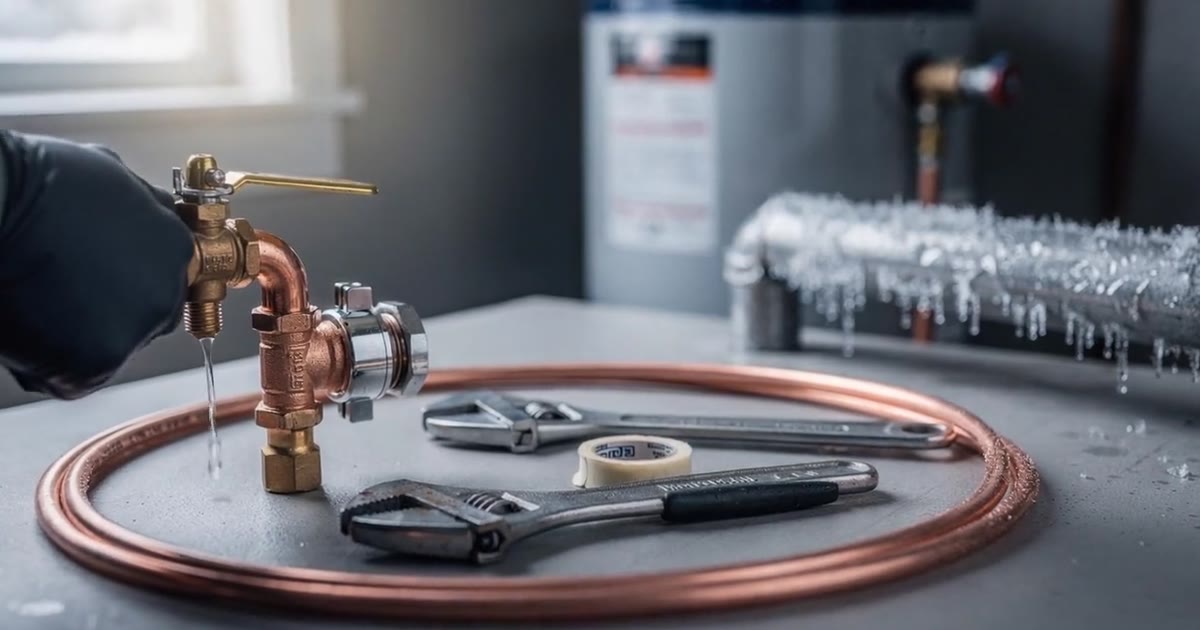
A plumbing website needs four things on the first screen: a call button you can’t miss, when you can come (“same day,” “24/7”), where you work, and the jobs you do by name. The stakes are high: Angi says emergency plumbing typically runs $100 to $500 an hour, and holidays can reach three times normal rates (Angi, 2026). The homeowner with a burst pipe calls whoever answers those four questions first.
Disclosure: WebZum makes one of the builders compared below. Competitor prices come from their own pages, checked October 19, 2026. Want to see yours? WebZum builds a full plumbing site from a short chat, and the preview is free. More for the trade at WebZum for contractors.
Verified October 19, 2026 against the linked sources. Updated from the July 17, 2026 version with a real build, new screenshots and current prices.
Mossback Plumbing in Spokane is a WebZum-built demo site, not a real customer. Sped up: a short chat, the build, then the finished homepage.
Why do plumbers need their own website?
Because lead platforms rent you the customer, and your own site doesn’t.
HomeAdvisor’s pro pages say leads aren’t guaranteed jobs and can go to several pros (HomeAdvisor, How it works). Angi’s help center says you may be charged when both you and the homeowner show interest in connecting (Angi Help Center). Its lead-credit guidelines don’t count “didn’t win the job” as a reason for a credit (Angi lead credit guidelines). A call from your own site goes to you alone.
Homeowners also check before they call. In BrightLocal’s 2026 survey of 1,002 US consumers, 97% read local reviews, and 54% check the business’s website after reading positive ones (BrightLocal LCRS 2026).
And the work is worth winning. Angi’s 2026 national average for a plumbing repair is $341, with most homeowners paying $182 to $501 (Angi).
What does a plumbing website need on the first screen?
Four things. We shot each one on the Mossback site.
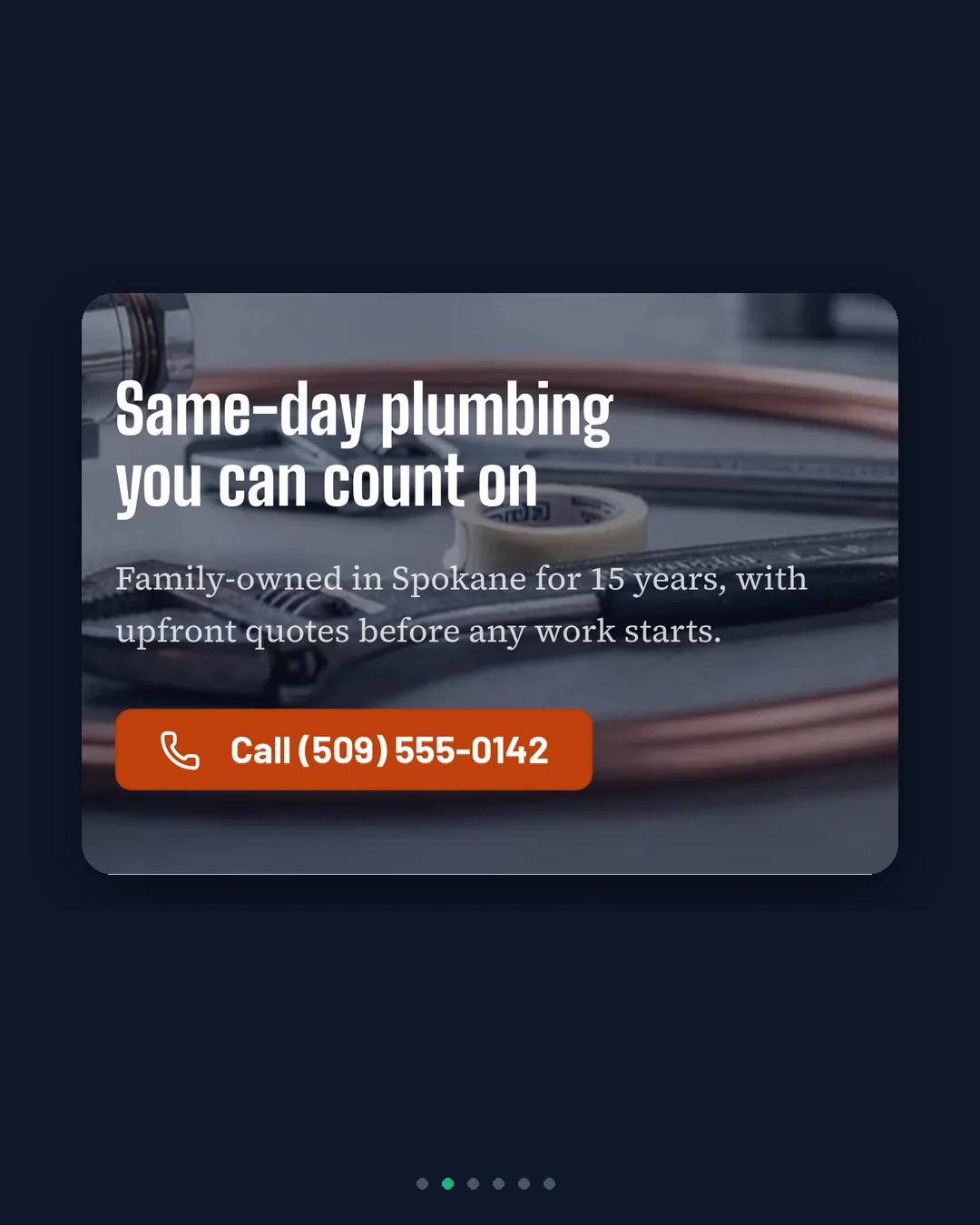
1. A call button you can’t miss
Top of the page, big, and it dials on a phone. On Mossback it sits in the hero next to the headline “Same-day plumbing you can count on.”
2. When you can come, in plain words
“We can be there today” beats “quality service since 2009.” If you take after-hours calls, say so, and say whether it costs more.
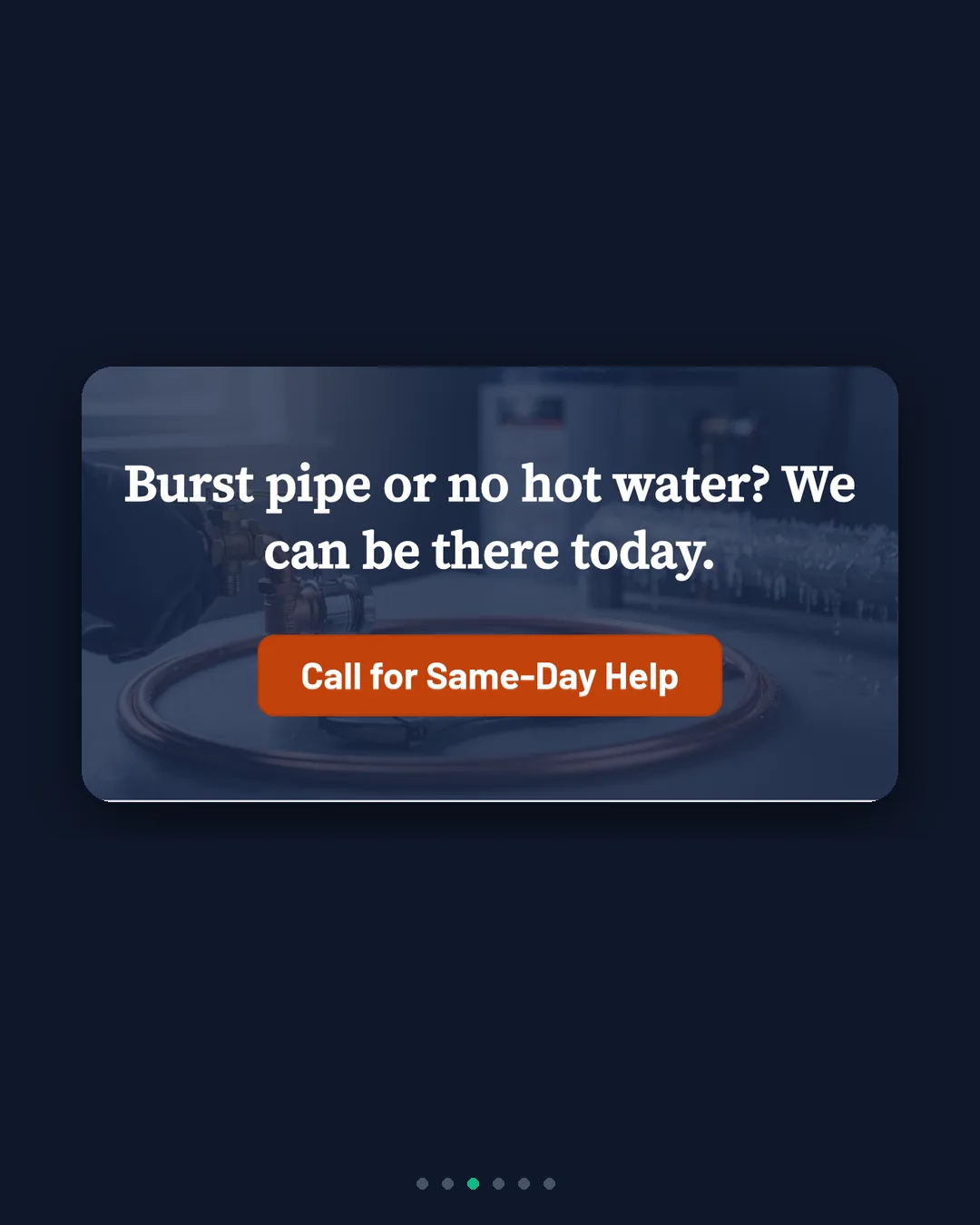
3. Where you work
Name the towns. Google treats plumbers as a service-area business: one profile for the area you serve, up to 20 cities or ZIP codes, and an overall area that shouldn’t go much past two hours’ drive (Google Business Profile Help). Your site should match.

4. The jobs you do, by name
Leak repair, drain cleaning, water heaters, repiping, frozen pipes. Each is its own search, so each deserves its own line or page.
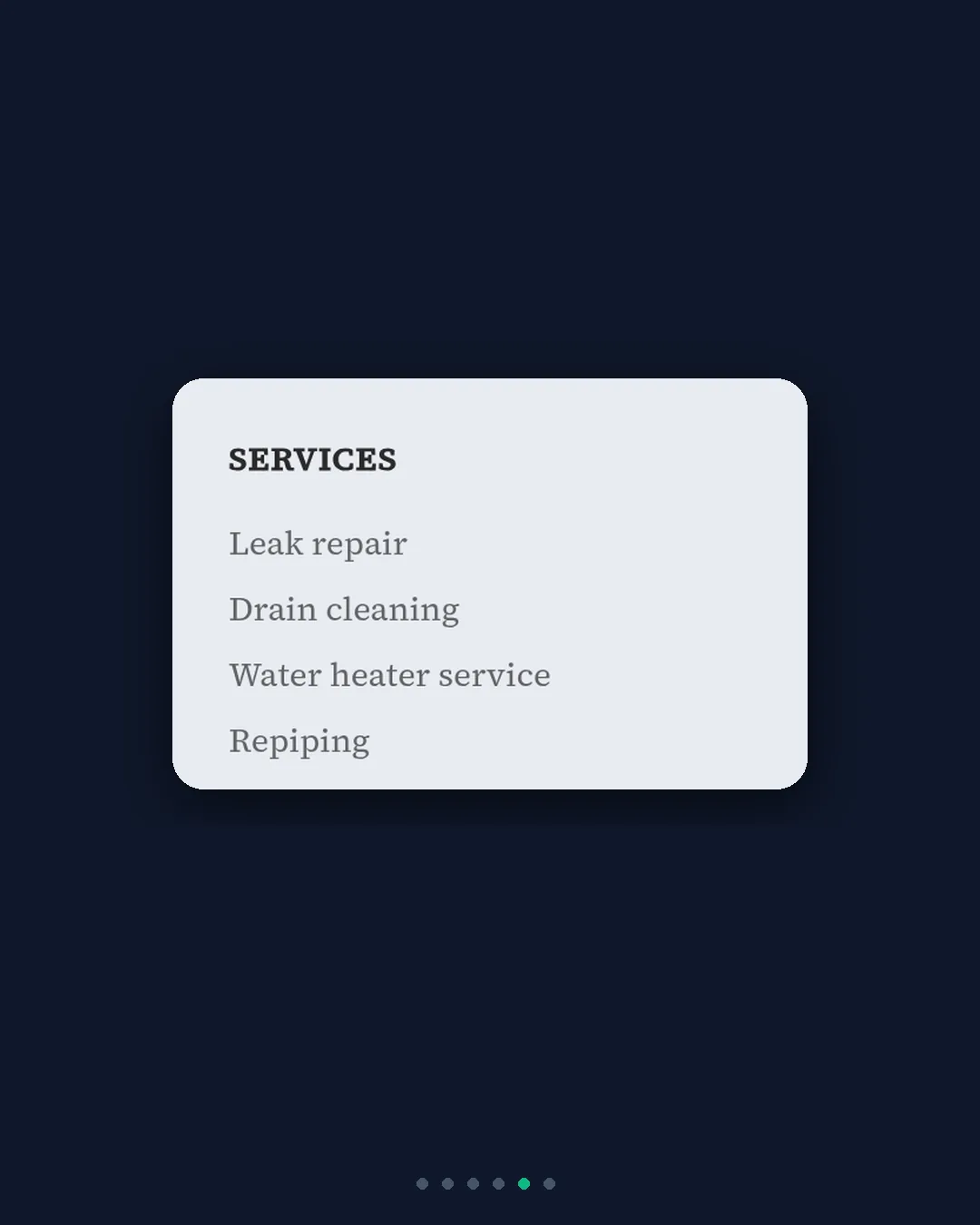
Below the first screen, add: licensed and insured, how a visit works, real job photos, reviews, and an FAQ. Use this as a self-check if you already have a site.
What happened when we built a plumbing site with WebZum?
We told WebZum about a Spokane plumber in a short chat: leaks, drains, water heaters, repiping, frozen pipes, 15 years in town. Then we clicked Build. A few minutes later the site was done. (We haven’t timed this recording to the second yet, so we won’t quote an exact number.)
What it built, unprompted:
- Same-day wording and a call button in the hero.
- A step-by-step “how a visit works,” with a written quote before work starts.
- Services by name and the service area in plain sight.
- A Property Managers page and a permits FAQ we never mentioned. Useful, but check anything the AI adds before you publish.
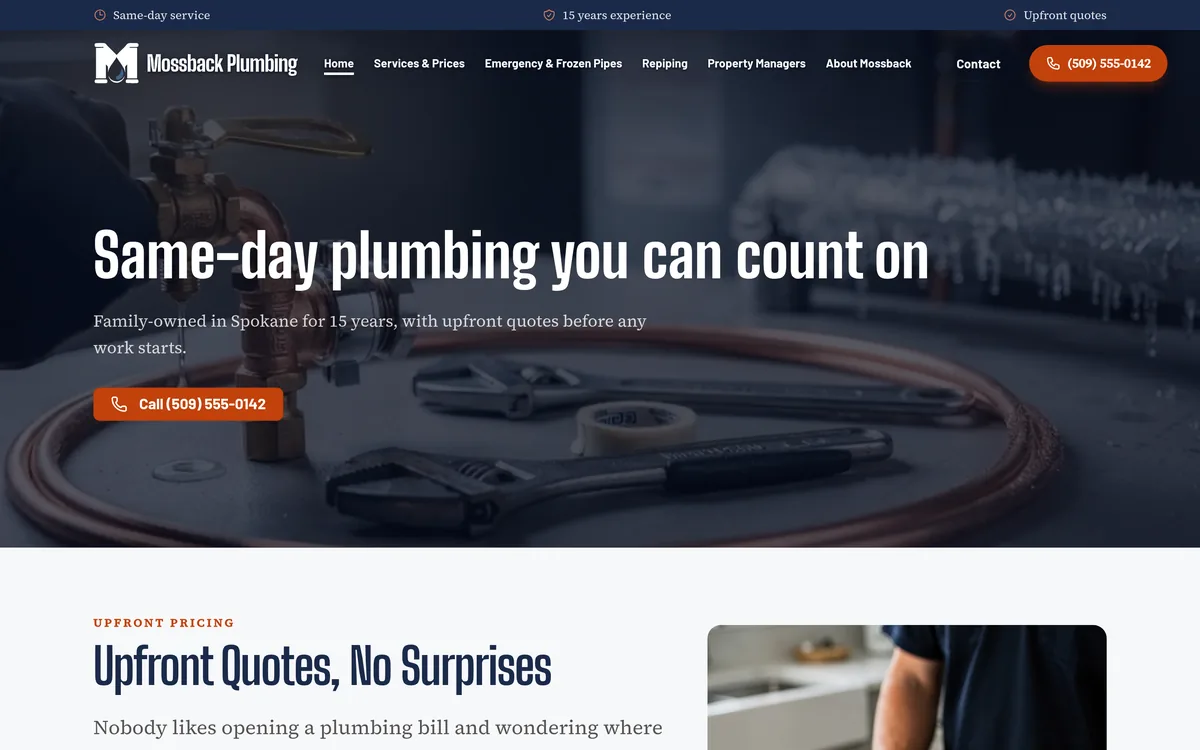
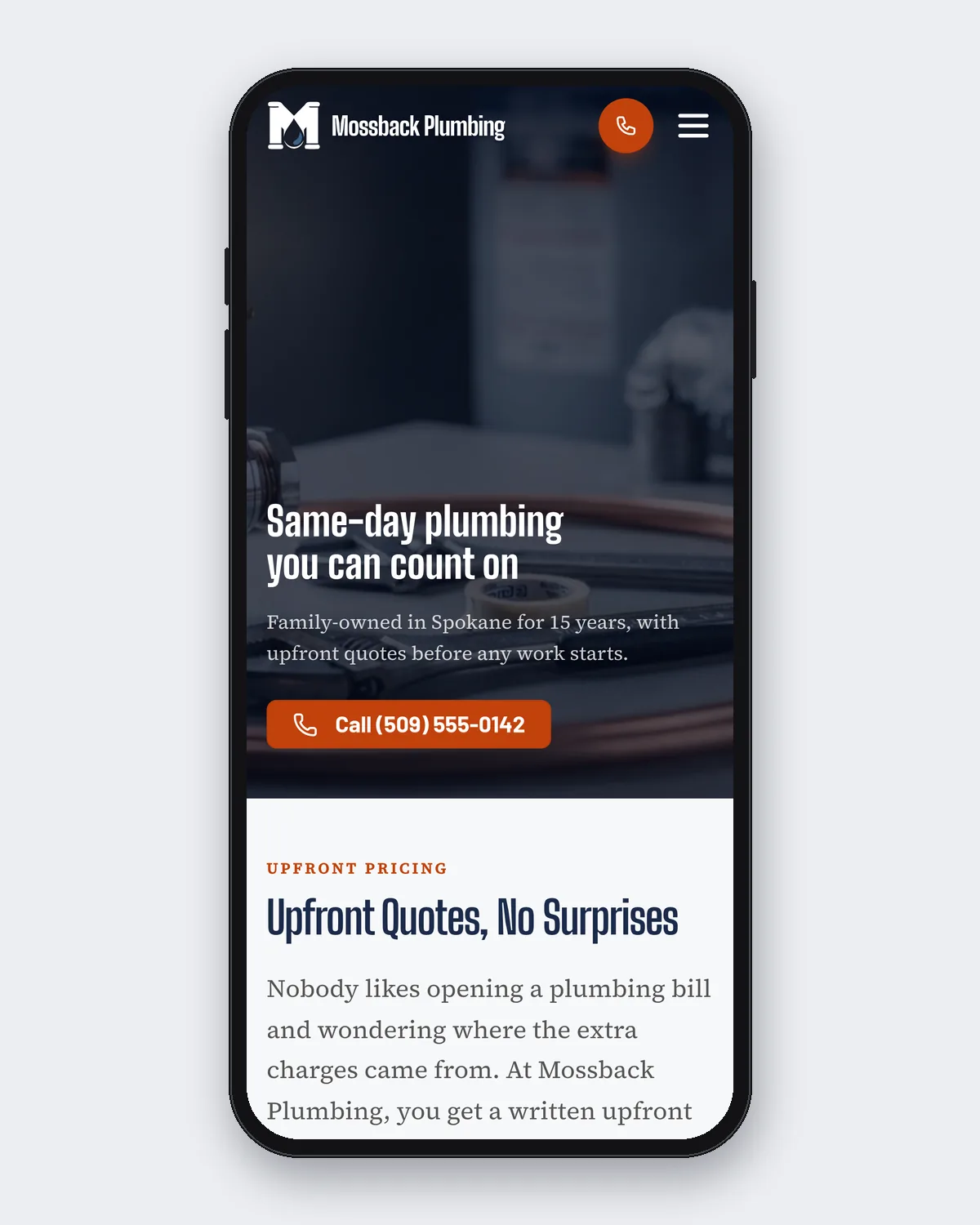
The site works on desktop and phones. Newer builds also get one of seven header designs, and the hero photo becomes a short video while the site builds.
After it’s built, you edit by typing in the editor chat:
- Phone, hours, address: Update business info, live in about 30 seconds.
- A new service: “add a page for sewer line repair.”
- A Spanish dropdown for visitors: 30+ languages, not indexed as separate pages.
- A mistake: “undo that.”
- A Google search ad, built from the site, with a location radius and keywords you set. Optional; budgets start at $20.
Which website builder is best for a plumber?
Pick based on how much you want done for you, and what you’ll pay.
| Option | Price (checked Oct 19, 2026) | Choose it if… |
|---|---|---|
| WebZum | Basic $19/month, Professional $34/month; preview free | You want a finished site from a chat, chat edits and an optional Google ad |
| Grow Local | $99/month, no setup fee, no contract; preview before you pay (Grow Local) | You want many city-by-service pages built for you |
| Zarla | Premium $29/month month-to-month, $10.99/month on a 36-month prepay (Zarla Help) | You’ll prepay and want quotes and invoices built in |
| Wix | Light $17, Core $29, Business $39/month on annual billing (Wix plans) | You want to build every page yourself with lots of apps |
| Squarespace | Basic $19/month annually, $25 monthly (Squarespace pricing) | Design is the priority |
If you run several crews and want field-service software (scheduling, dispatch, invoicing), that’s a different tool. Keep it, and link to it from your site.
How much does a plumbing website cost?
On the builders above, roughly $11 to $99 a month. Agencies cost far more up front. WebZum is $19/month on Basic or $34/month on Professional. With Angi’s average repair at $341, one job a year that comes straight to you, instead of through a shared lead, covers more than a year of Basic.
Should plumbers drop Angi and HomeAdvisor?
Not overnight. Use them to fill the calendar while your own site and Google profile build up reviews. Over time, the calls that come through your site cost you nothing per lead. Our local SEO checklist covers the profile side, and AI website builder vs hiring a web designer covers the agency question. Also see the contractors hub.
FAQ
What should a plumbing website include?
A call button, when you can come, your service area, and your services by name on the first screen. Then licenses, how a visit works, reviews, photos and an FAQ.
Is there an AI website builder for plumbers?
Yes. WebZum builds a full plumbing site from a short chat about your business, and you can see the whole thing free before paying. Grow Local and Zarla also build with AI.
How much does a plumbing website cost?
About $11 to $99 a month on the builders compared above. WebZum is $19/month (Basic) or $34/month (Professional).
Should a plumbing website show prices?
It’s up to you. Many plumbers explain how quotes work (“written quote before any work starts”) rather than listing prices, since every job is different.
Already have a plumbing website?
You don’t need to start over. Paste your current site’s address into WebZum’s onboarding chat. It reads up to five pages and up to 12 of your best photos, then writes a brand-new site with fresh copy from your real business info. Your old site stays up until you move your domain. It won’t copy your old wording, keep your logo, or set up redirects from old page addresses, and some JavaScript-only sites can’t be read. Use a site you own. Run your current site through the four first-screen checks above.
Do I need a website if I have a Google Business Profile?
The profile gets you on the map. A website is where people go next: 54% of consumers check a website after reading positive reviews (BrightLocal).
See your plumbing site before you pay
Type your business name or a short description into WebZum and see the finished site. The preview is free, and you can try edits before you pay. More at WebZum for plumbers.
Sources (accessed October 19, 2026)
- Angi, Emergency plumber cost 2026: https://www.angi.com/articles/emergency-plumber-cost.htm
- Angi, Plumbing repair cost 2026: https://www.angi.com/articles/plumber-cost.htm
- HomeAdvisor Pro, How it works: https://www.homeadvisor.com/pro/how-it-works/
- Angi Help Center, Opportunities and leads FAQ: https://intercom.help/angi/en/articles/6221483-opportunities-and-leads-frequently-asked-questions
- Angi/HomeAdvisor lead credit guidelines: https://pro.homeadvisor.com/terms/lead-credit-guidelines
- BrightLocal, Local Consumer Review Survey 2026: https://www.brightlocal.com/research/local-consumer-review-survey/
- Google Business Profile, Manage service areas: https://support.google.com/business/answer/9157481?hl=en
- Grow Local, Plumber website builder: https://www.growlocal.build/plumber-website-builder
- Zarla, What does Zarla cost?: https://www.zarla.com/help/what-does-zarla-cost
- Wix plans: https://www.wix.com/plans
- Squarespace pricing: https://www.squarespace.com/pricing