
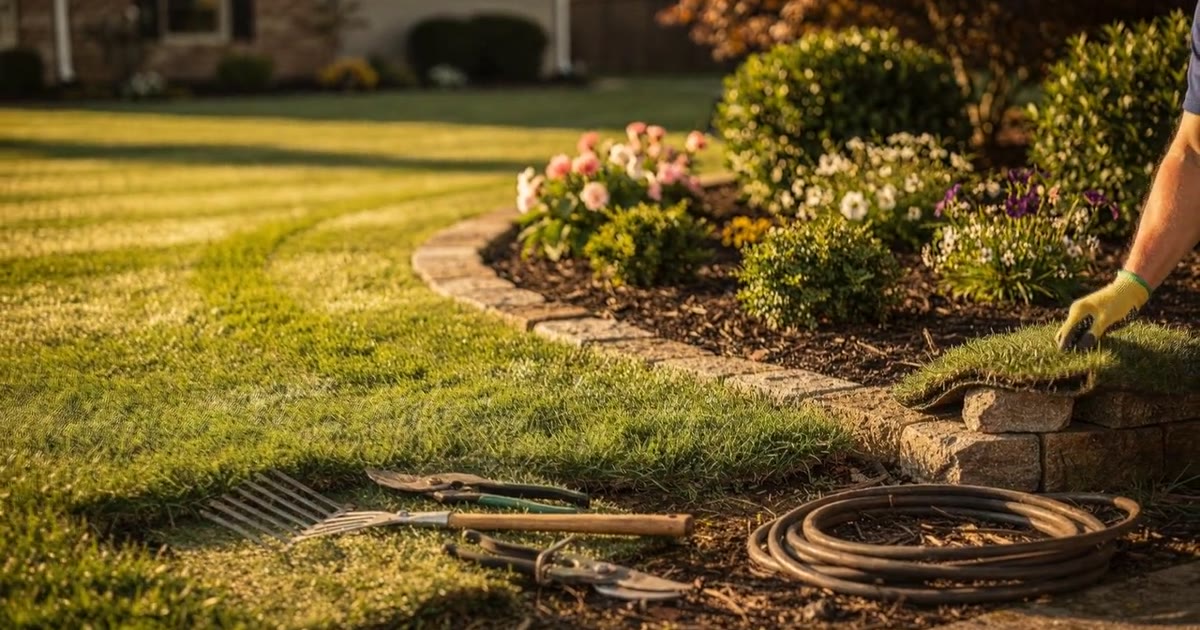
A landscaping website needs five things: what you do, your hours, how a quote works, where you work, and a call button. Get them up before spring. The Bureau of Labor Statistics says grounds work is busiest in spring, summer and fall, and some of it is only available then (BLS). Homeowners shopping for a crew in March pick the one whose site answers those five questions.
Disclosure: WebZum makes one of the builders compared below. Competitor prices come from their own pages, checked October 19, 2026. See your own: WebZum builds a full landscaping site from a short chat, and the preview is free. More at WebZum for landscaping. Just starting a lawn care business? See /start/lawn-care.
Verified October 19, 2026 against the linked sources. Updated from the July 28, 2026 version with two WebZum-built sites, new screenshots and current prices.
Green Ridge Landscaping in Nashville is a WebZum-built demo site, not a real customer. Hero: “Professional Landscaping for Nashville Homes & Businesses.”
Why do landscapers need a website?
Because the jobs are worth it, and lead platforms share them.
Angi’s 2026 figures put an average landscaping project at $3,517, with most between $1,248 and $6,068 (Angi). Ongoing lawn care averages about $300 a month, usually $100 to $500 (Angi), and a mowing visit averages $123 (Angi).
On lead platforms, those jobs are shared. HomeAdvisor’s pro page says leads aren’t guaranteed jobs and can go to several pros (HomeAdvisor). A call from your own site goes only to you.
And it’s a big, competitive trade. BLS counts about 1.3 million grounds maintenance jobs in 2025, projected to grow 5% by 2035, faster than average (BLS).
What does a landscaping website need?
Five things. Each one below is from Green Ridge’s real pages.
1. What you do
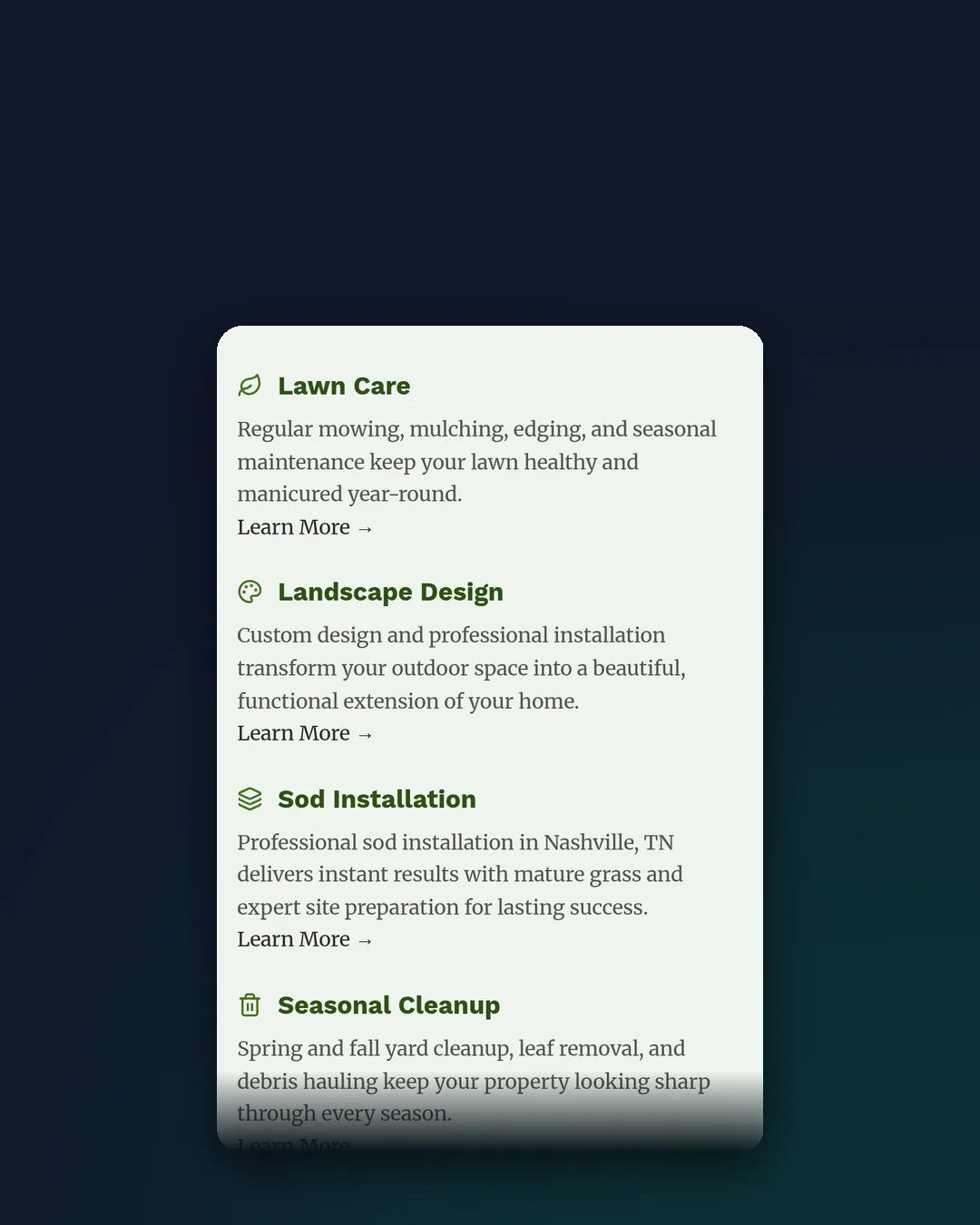
Mowing, cleanups, sod, planting, hardscape. Say it in words with photos, one line or page per service.
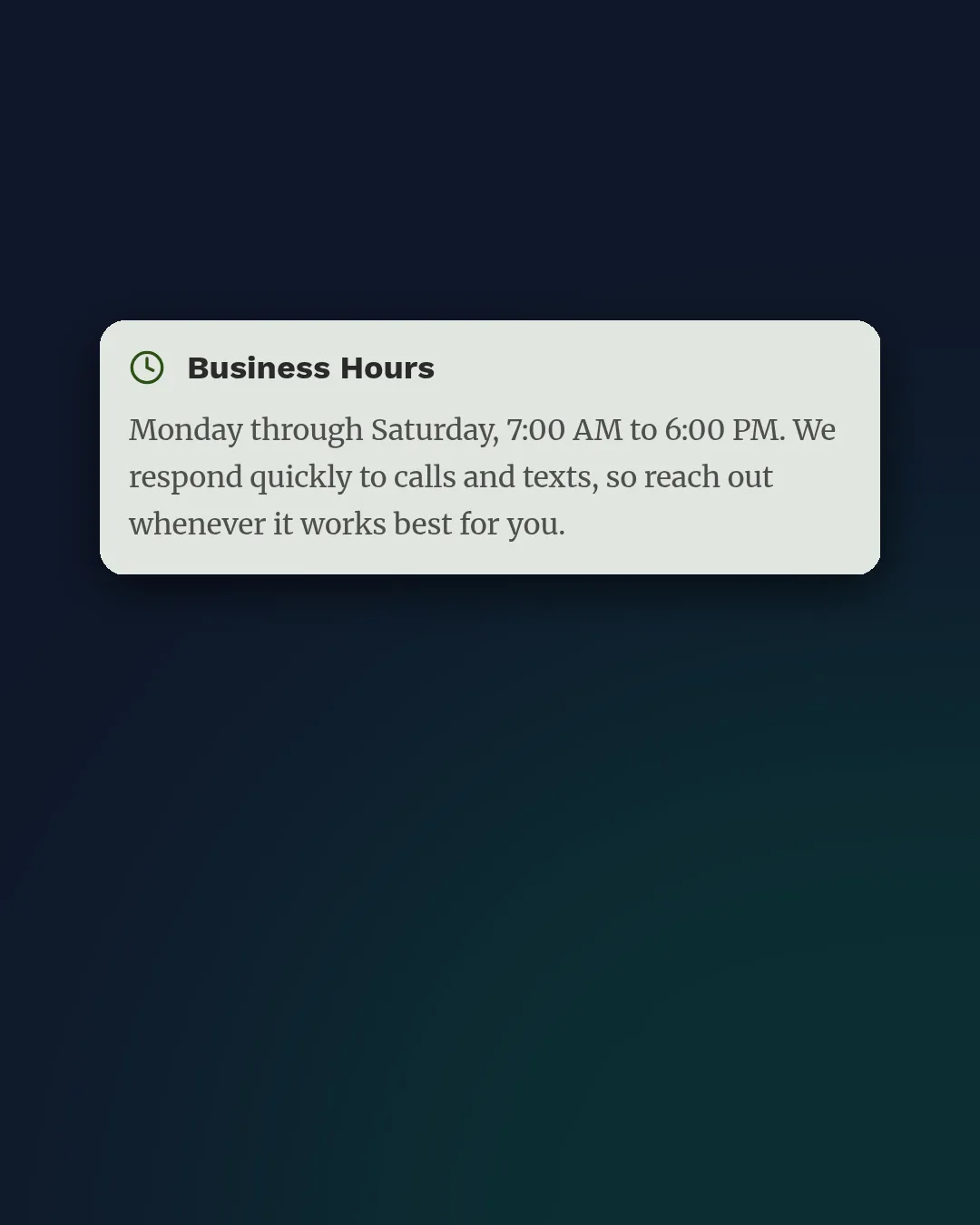
2. Your hours
Green Ridge shows Monday to Saturday, 7 to 6. Seasonal hours are fine; Google lets you use current seasonal hours as your regular hours, and special hours for holidays (Google Business Profile guidelines).
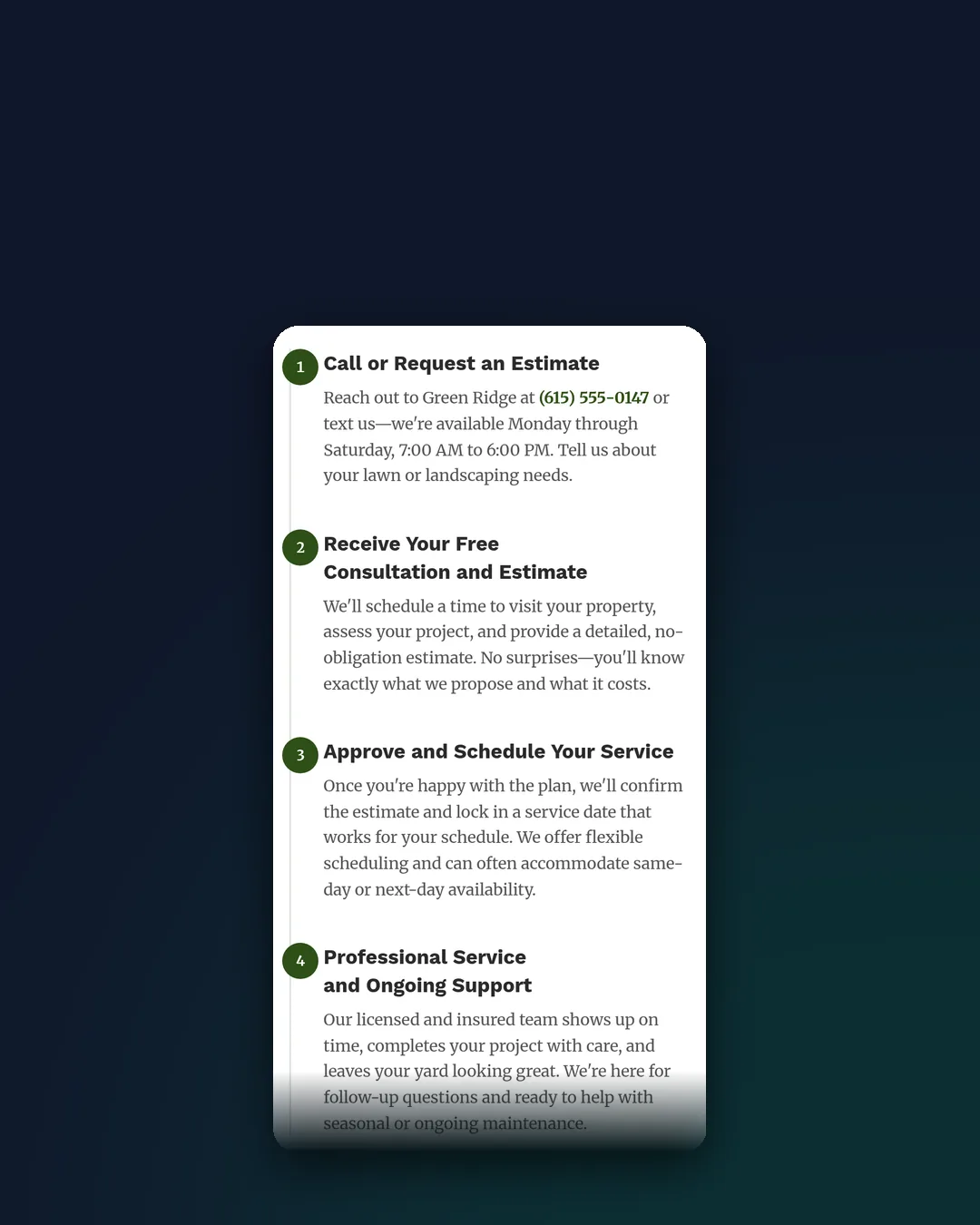
3. How a quote works
A short step-by-step (“call or message, we visit, you get a written quote, we schedule”) takes the guesswork out of the first call.
4. Where you work
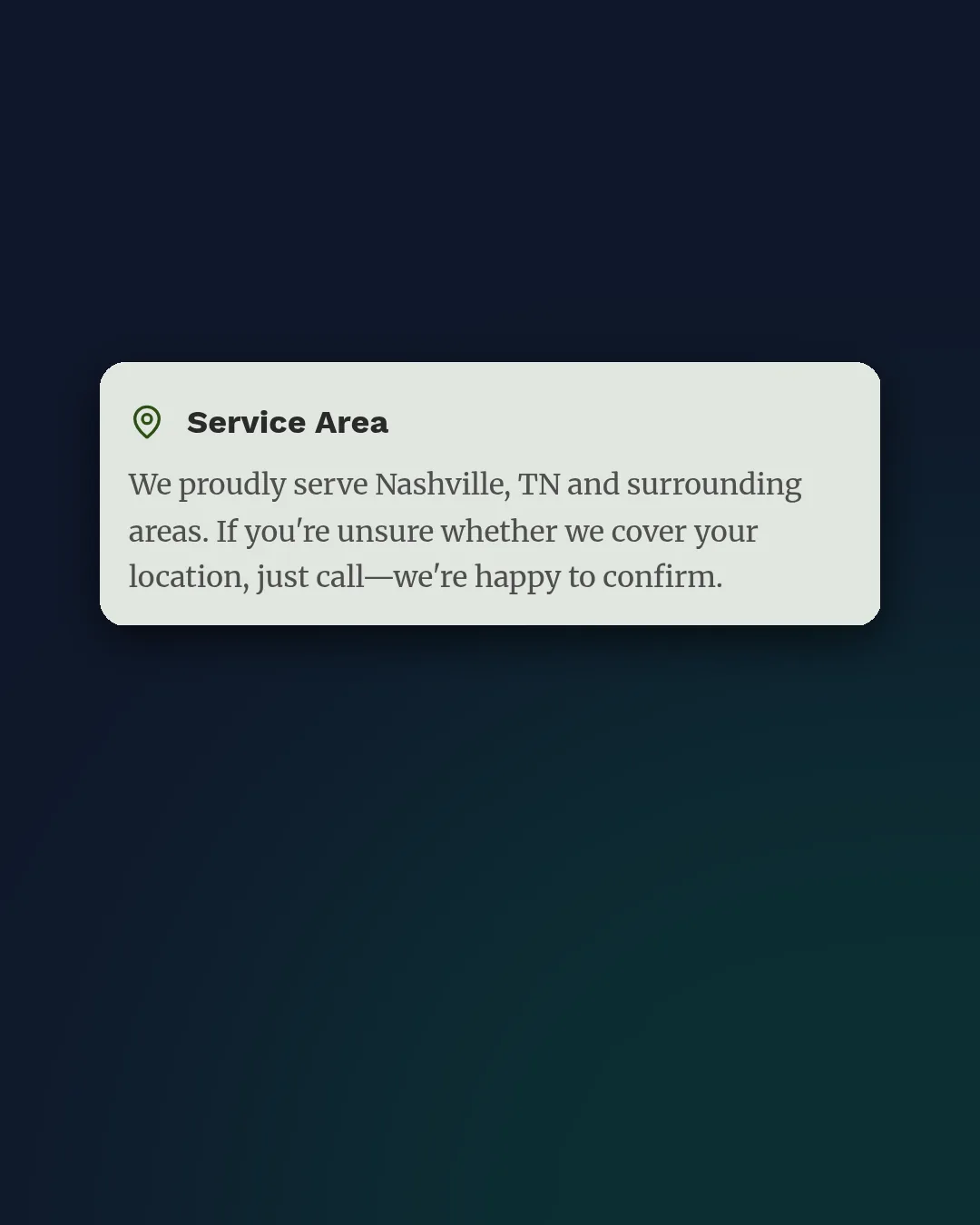
This is the one we see skipped most. If people can’t tell whether you work on their street, many just keep scrolling. Green Ridge says it right on the page: Nashville and the surrounding areas, and if you’re not sure, tap to call. On Google, landscapers are service-area businesses with up to 20 cities or ZIP codes, no radius, and an overall area within about two hours’ drive (Google Business Profile Help). In WebZum, pasting your Google Maps link pins your own listing on the site’s map.
5. A call button
At the top, and it dials on phones.
Below the five, add real job photos (before and after if you have them), reviews, and an FAQ. If you already have a site, use these five as a self-check.
Do AI-built landscaping sites all look the same?
Not in our tests. Here are two sites from the same tool, both WebZum-built demo sites.
Green Ridge (Nashville): a lawn-and-maintenance crew. The homepage scrolls from “Trusted by Nashville homes and businesses” through services and a four-step “Getting Started” section.
StoneFern Landscapes (Portland): a design-build garden firm. “Custom Gardens Built for Portland,” over native plants and garden tools.
Same builder, different businesses, different looks. We didn’t time either build, so we won’t quote a build time for them. More on this in why AI websites look the same.
After a site is built, landscaper edits are one sentence each in the editor chat:
- Seasonal hours: Update business info, live in about 30 seconds.
- A new service area line: “add Franklin and Brentwood to the areas we serve.”
- A fall photo: edit an existing photo by chat (AI-edited; label it if you share it).
- A mistake: “undo that.”
- An optional Google search ad built from the site, shown within a radius you set.
Which website builder is best for a landscaping business?
| Option | Price (checked Oct 19, 2026) | Choose it if… |
|---|---|---|
| WebZum | Basic $19/month, Professional $34/month; preview free | You want a finished site from a chat, chat edits and an optional Google ad |
| Zarla | Premium $29/month month-to-month, $10.99/month on a 36-month prepay ($395.64 upfront) (Zarla Help) | You’ll prepay and want quotes, invoices and bookings in one place |
| Wix | Light $17, Core $29, Business $39/month on annual billing (Wix plans) | You want to build it yourself with lots of apps |
| Squarespace | Basic $19/month annually, $25 monthly; Core $29/month annually (Squarespace pricing) | A photo-led portfolio is the priority (design-build firms) |
If you need crew scheduling, routing and invoicing, that’s field-service software. Keep it and link to it from your site.
How much does a landscaping website cost?
On the builders above, about $11 to $49 a month. WebZum is $19/month on Basic or $34/month on Professional. With Angi’s average lawn care bill around $300 a month, one recurring customer who finds you directly covers the site many times over.
What else gets landscapers more customers?
- Reviews. 68% of consumers want at least 4 stars, and 31% want 4.5 or better (BrightLocal LCRS 2026).
- Google Business Profile with job photos and the right service areas.
- Yard signs on finished jobs, pointing to your site.
See our local SEO checklist and how to make a website from your Google Business Profile.
FAQ
What should a landscaping website include?
What you do, your hours, how a quote works, where you work, and a call button, then photos, reviews and an FAQ.
Is there an AI website builder for landscapers?
Yes. WebZum builds a full landscaping site from a short chat, and you see the whole site free before paying. Zarla also builds with AI.
When should a landscaper launch a website?
Before spring. BLS says the work peaks in spring, summer and fall, so a site that’s live in winter is ready when people start searching.
How much does a landscaping website cost?
About $11 to $49 a month on the builders above. WebZum is $19/month (Basic) or $34/month (Professional).
Already have a landscaping website?
You don’t need to start over. Paste your current site’s address into WebZum’s onboarding chat. It reads up to five pages and up to 12 of your best photos (your real yards, not stock), then writes a brand-new site with fresh copy. Your old site stays up until you move your domain. It won’t copy your old wording, keep your logo, or redirect old page addresses, and some JavaScript-only sites can’t be read. Use a site you own. Check yours against the five things above first.
Website for a lawn care business vs a landscaping company: any difference?
Lawn care sites lead with recurring plans and service area; design-build sites lead with project photos. The five basics are the same.
See your landscaping site before you pay
Type your business name or a short description into WebZum and see the finished site. The preview is free, and you can try edits before you pay. More at /for/landscaping, or /start/lawn-care if you’re just starting out.
Sources (accessed October 19, 2026)
- BLS, Grounds Maintenance Workers (Occupational Outlook Handbook): https://www.bls.gov/ooh/building-and-grounds-cleaning/grounds-maintenance-workers.htm
- Angi, Landscaping cost 2026: https://www.angi.com/articles/how-much-does-landscaping-cost.htm
- Angi, Lawn care cost 2026: https://www.angi.com/articles/lawn-care-cost.htm
- Angi, Lawn mowing cost 2026: https://www.angi.com/articles/how-much-does-lawn-mowing-cost.htm
- HomeAdvisor Pro, How it works: https://www.homeadvisor.com/pro/how-it-works/
- Google Business Profile, Guidelines: https://support.google.com/business/answer/3038177?hl=en
- Google Business Profile, Manage service areas: https://support.google.com/business/answer/9157481?hl=en
- BrightLocal, Local Consumer Review Survey 2026: https://www.brightlocal.com/research/local-consumer-review-survey/
- Zarla, What does Zarla cost?: https://www.zarla.com/help/what-does-zarla-cost
- Wix plans: https://www.wix.com/plans
- Squarespace pricing: https://www.squarespace.com/pricing